Pro block Woo Products · 5 ready-made layouts
Your WooCommerce products, in a carousel.
Woo Products pulls real products from your store: photos, prices, ratings, sale badges and a working Add to cart button. Filter by category or tag, sort by date, price or popularity, and style the cards to match your shop.
- Liveprices & stock
- 5ways to sort
- 1-clickadd to cart
- 0lines of code
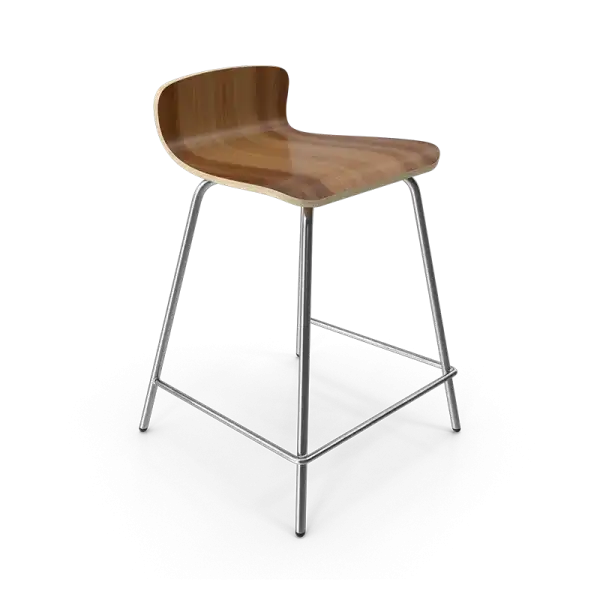
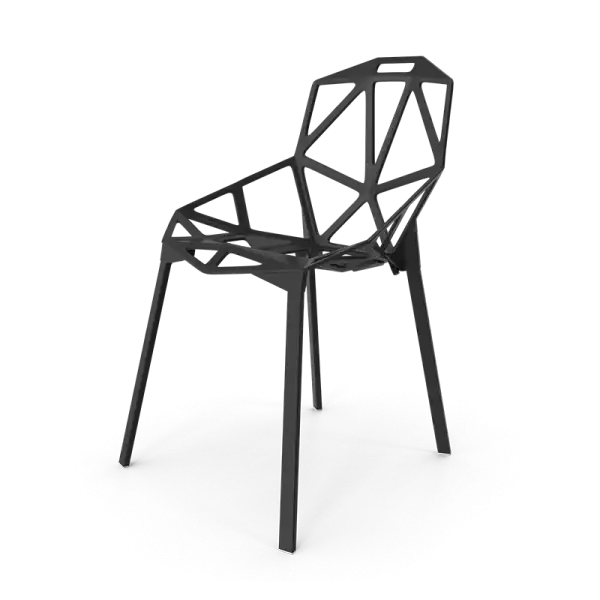
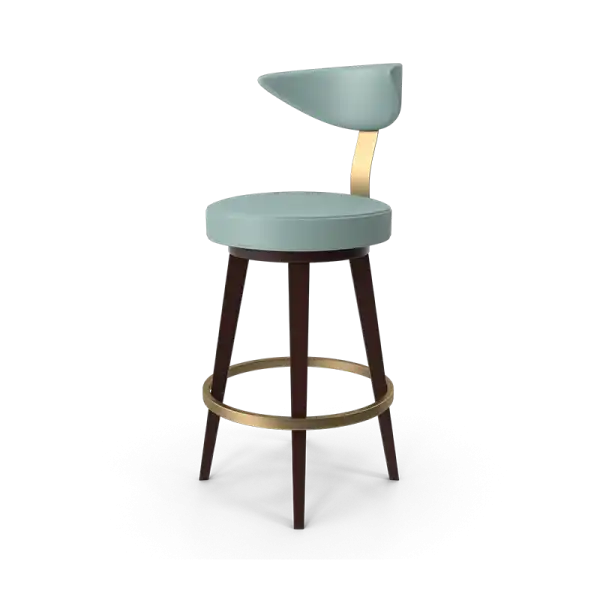
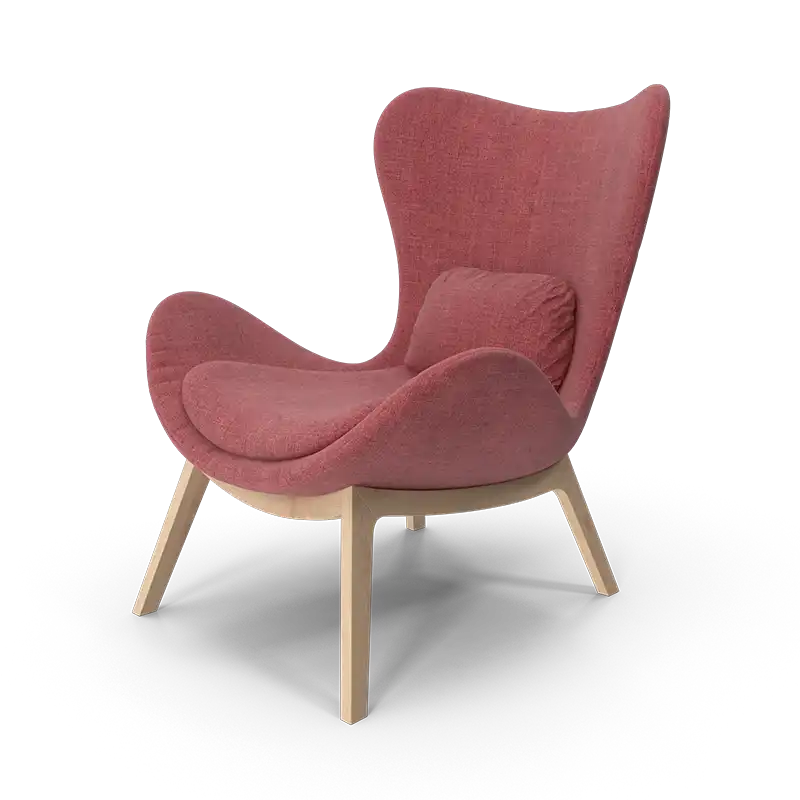
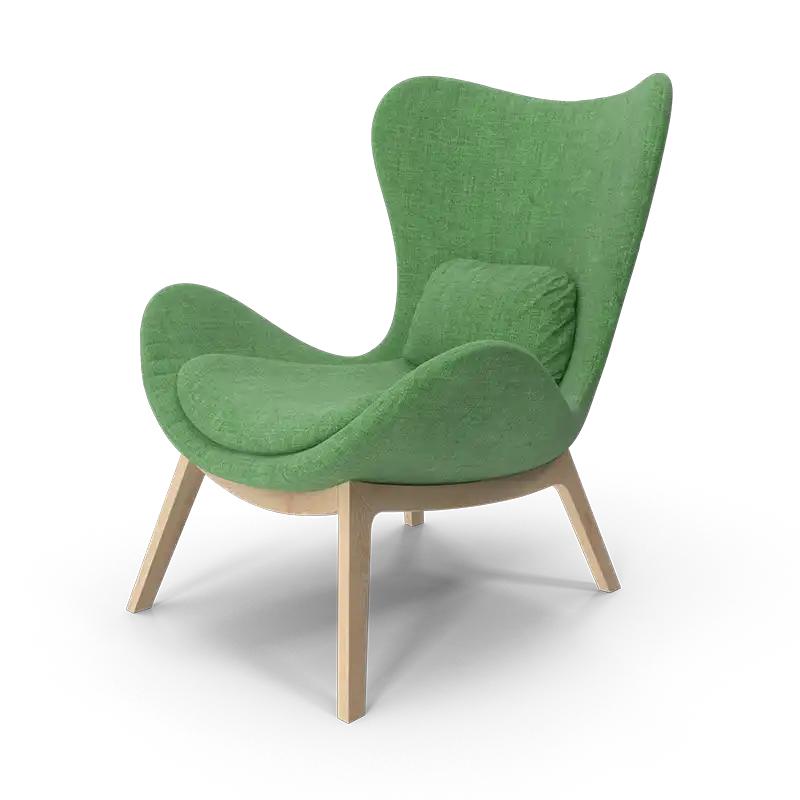
Your furniture range, straight from WooCommerce
Pick a few categories and the carousel shows those products with their real photos, prices, ratings and sale badges. Add to cart works right on the card.
 Sale
 Sale
 Sale
 Sale
 Sale
 Sale
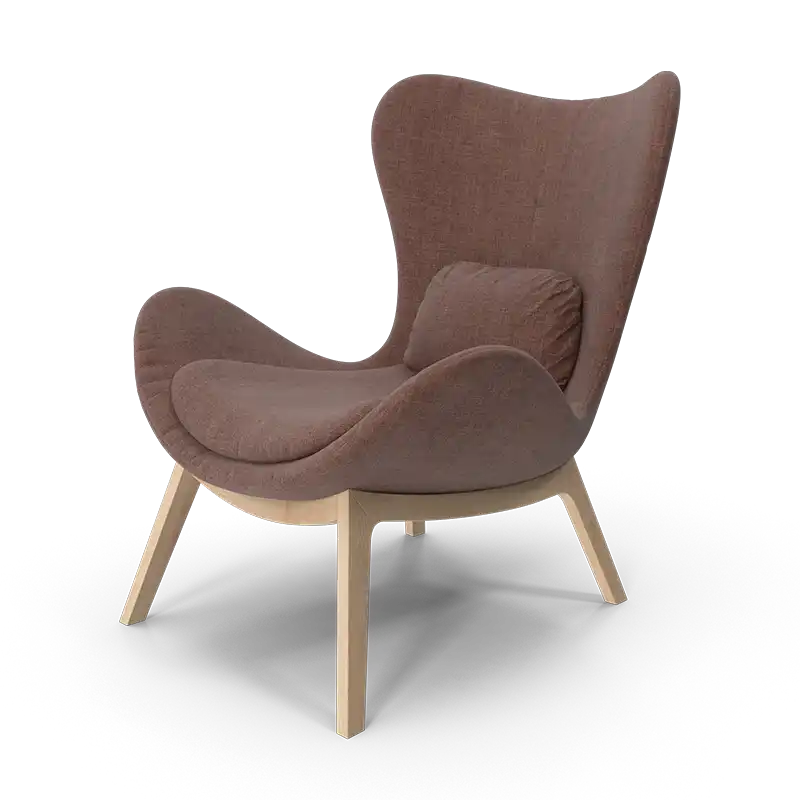
Add to cart slides up on hover
The second card layout keeps cards clean: the price swaps for the rating and a full-width Add to cart bar slides up when a shopper points at a product.
Sell more from any page.
Put a product carousel on your homepage, blog posts or landing pages and let shoppers add to cart without leaving. It updates itself when your products change.
Real store data
Photos, prices, ratings and sale badges come straight from WooCommerce.
Filter and sort
Choose categories or tags, sort by date, price, rating or popularity.
Add to cart on the card
Shoppers buy right from the carousel.
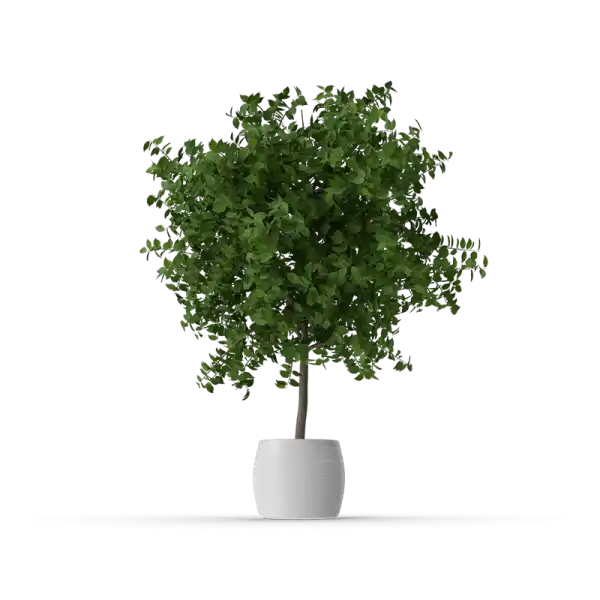
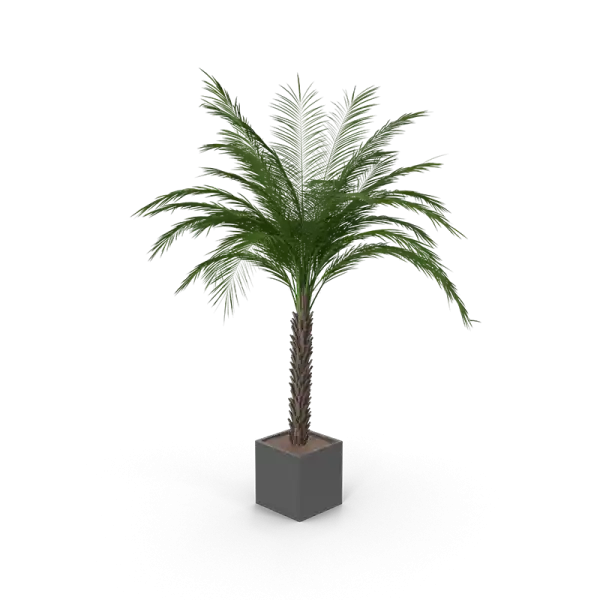
A plant shop on a dark green set
The same live products in your own colours. Here the cards sit on deep green with soft cream text, so the plants pop.
 Sale
 Sale
 Sale
 Sale
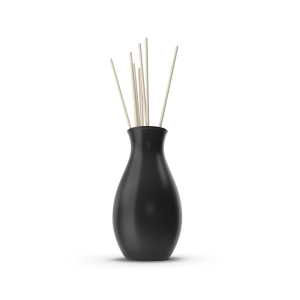
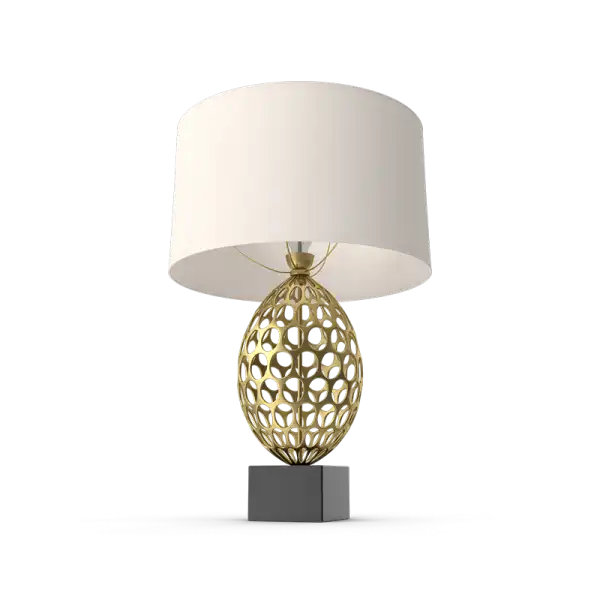
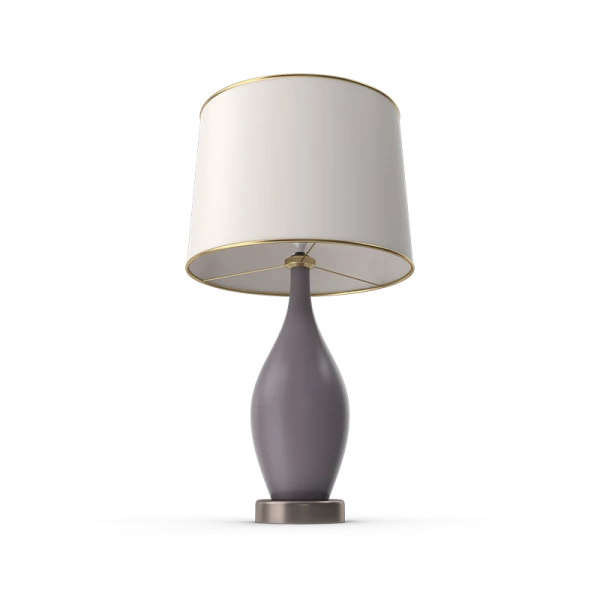
Best sellers, sorted for you
Sort by popularity and the carousel always shows what sells best across the whole store. A compact, five-wide strip that fits under any hero.
Sale
 Sale
Sale
 Sale
Sale
 Sale
Sale
 Sale
Sale
 Sale
Lowest prices first
Sort by price from low to high for a “deals” row. Big product photos, a bold sale badge and the old price crossed out make the savings obvious.
Deal
Deal
Deal
Deal
Deal
Deal
Deal
Deal