Pro block Woo Categories · 5 ready-made layouts
Your shop categories, one swipe away.
Woo Categories shows your WooCommerce product categories as a carousel, with their images and live product counts. Show them all or hand-pick a few, and style them as tiles, circles, big cards or a slim bar.
- Liveproduct counts
- Anycategories you pick
- 4looks on this page
- 0lines of code
Shop by category, always up to date
Every product category with its image and a live product count. Add a category in WooCommerce and it appears here on its own.

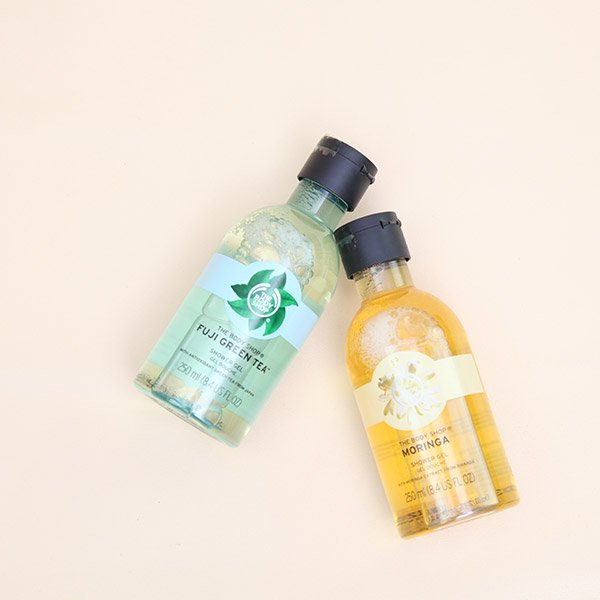
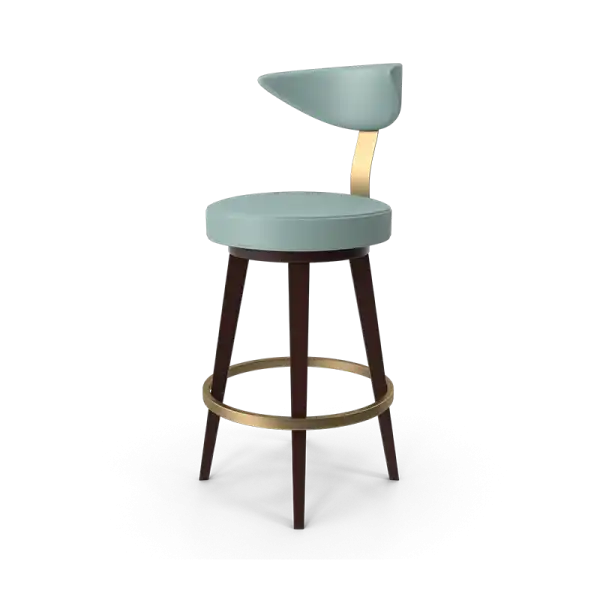
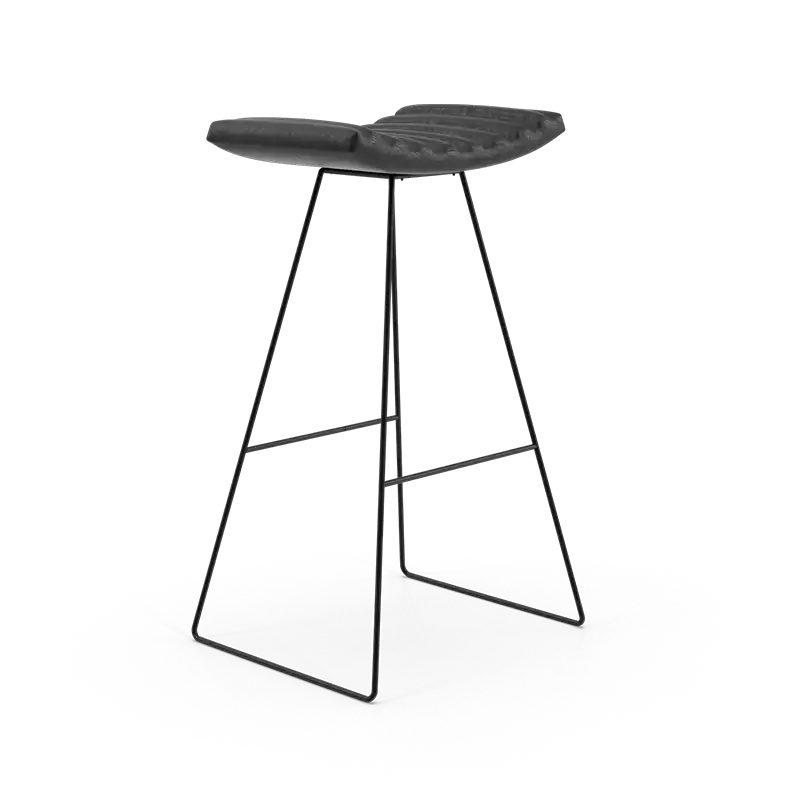
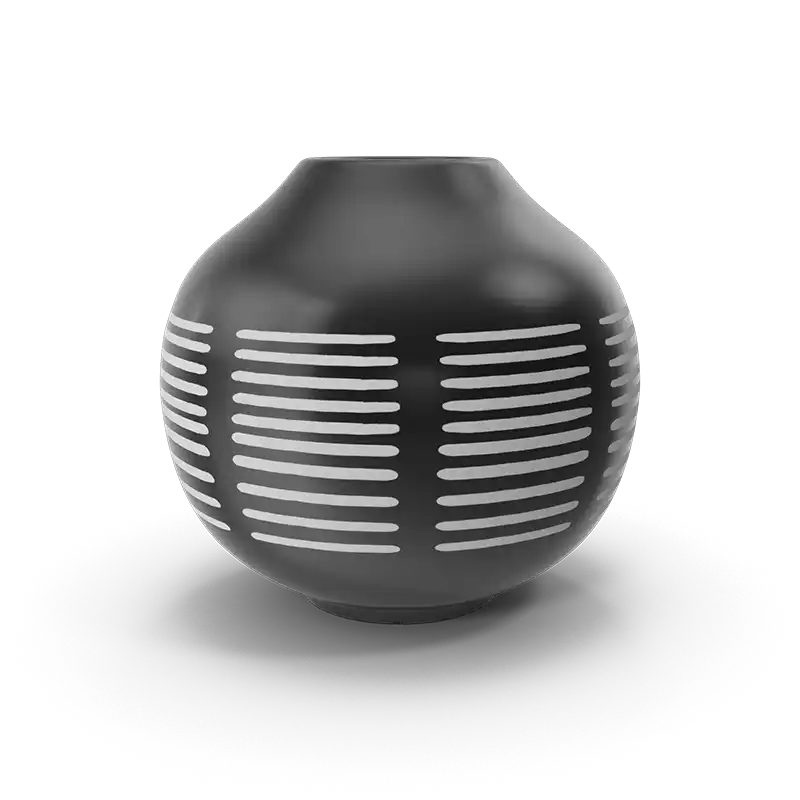
Round icons, like story bubbles
Small round thumbnails with the name underneath, six at a time. A familiar pattern from social apps that works great right under a header.
Help shoppers find their way.
A category carousel turns a long menu into something people want to swipe. It updates itself when you add categories or products.
Live counts
Each category shows how many products it holds.
Pick or show all
Hand-pick categories, or show them all sorted by name or count.
Per-device layout
Set how many categories show on desktop, tablet and phone.
Big category cards with text on top
Tall cards where the category name and count sit on the image, over a soft gradient. A bold way to start a homepage.
Only the categories you choose
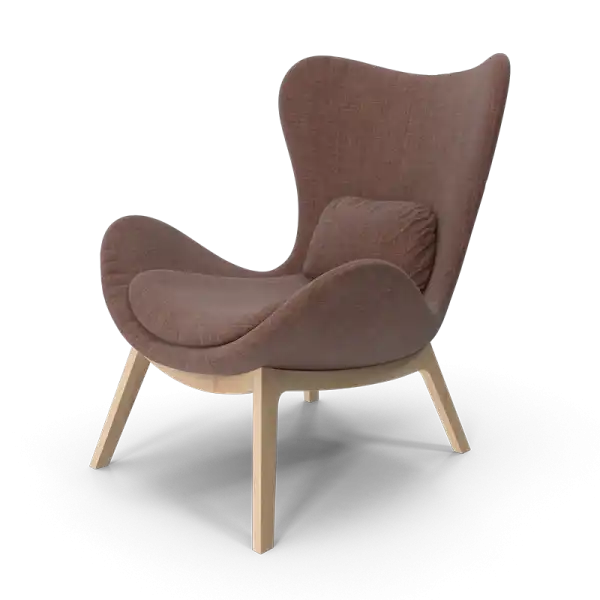
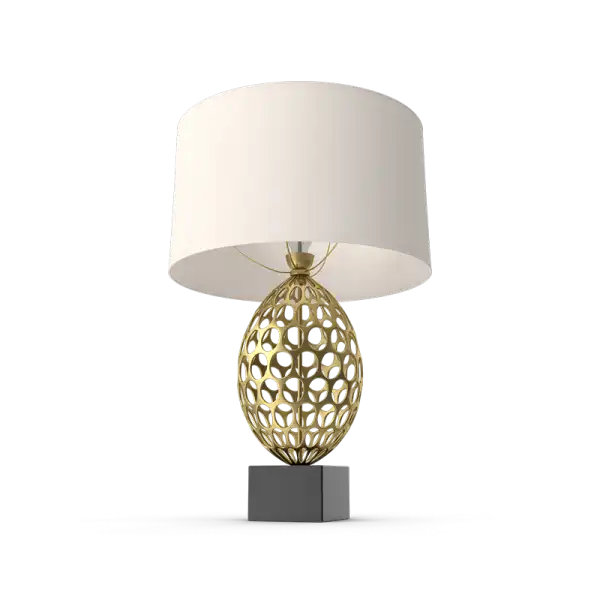
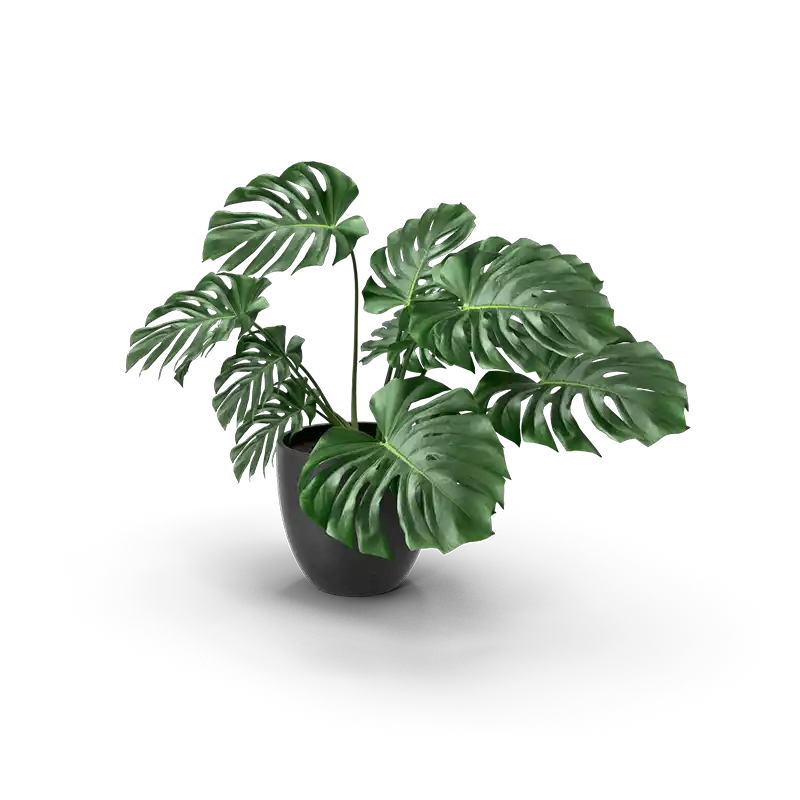
Pick specific categories for a campaign, like a living-room edit: sofas, chairs, lamps and decor, on soft pastel cards.
A slim category bar for navigation
Hide the images and the carousel becomes a swipeable row of category pills with counts. Handy at the top of a shop page on phones.